Know what you’re writing.
Context-aware completion, signatures and hover descriptions for GPPL symbols and built-in functions.
Explore completion →Write, navigate and refine SolidCAM and InventorCAM postprocessors with language-aware tools. Right inside Visual Studio Code.
Catalog in Community 1.7.0.
See what’s new →
From the first variable to the last procedure, keep the information you need close to your code.
Context-aware completion, signatures and hover descriptions for GPPL symbols and built-in functions.
Explore completion →Syntax, semantic and encoding diagnostics with clear locations and Quick Fixes for supported issues.
Understand diagnostics →Jump to definitions, find references and rename parameters together with their XML documentation.
Explore navigation →Real editor captures. Open any image at full size to inspect the code and tooltips.
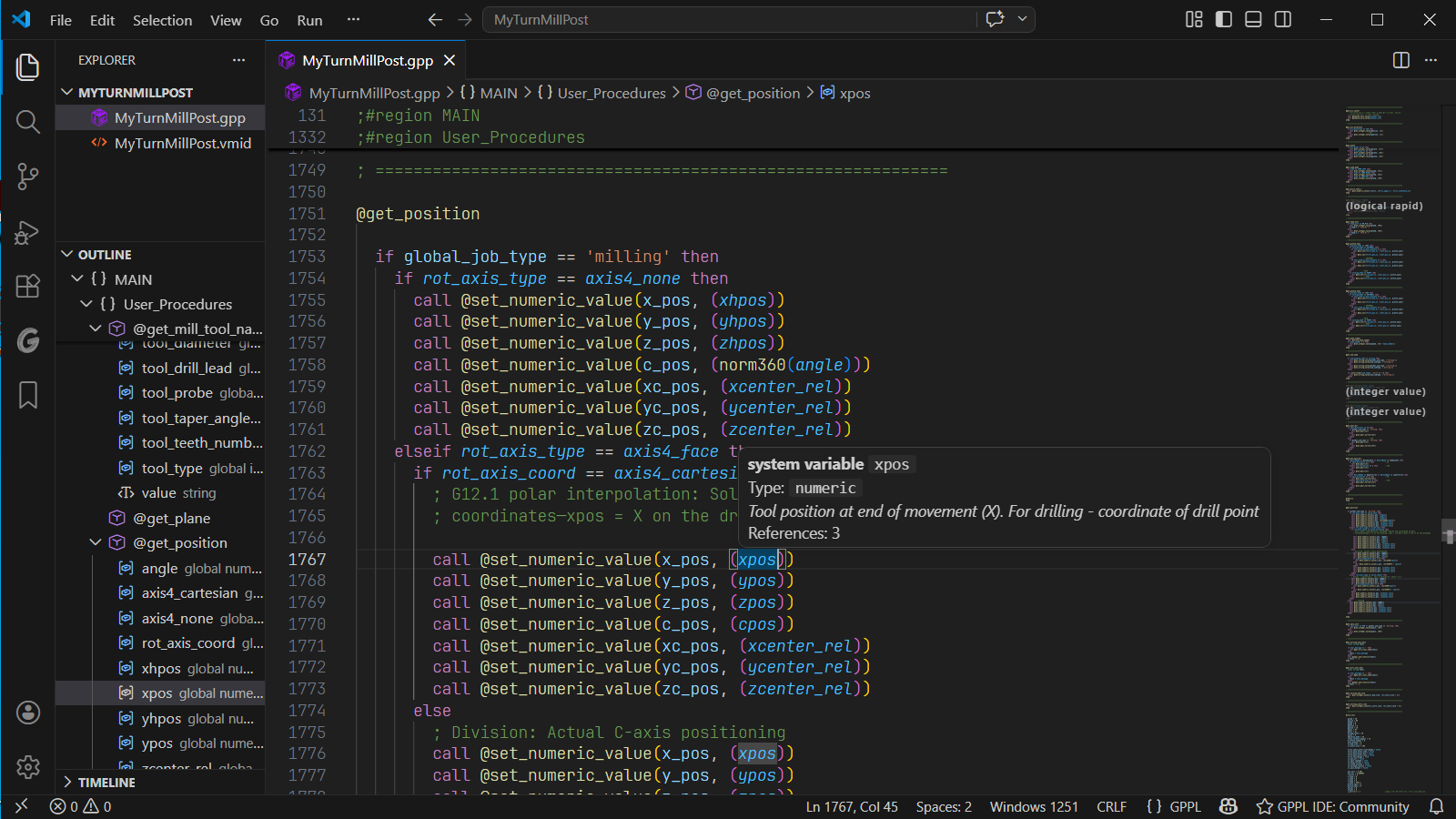
Read GPPL code for SolidCAM and InventorCAM, browse procedures, and check symbol documentation without leaving the editor.
Explore the editor →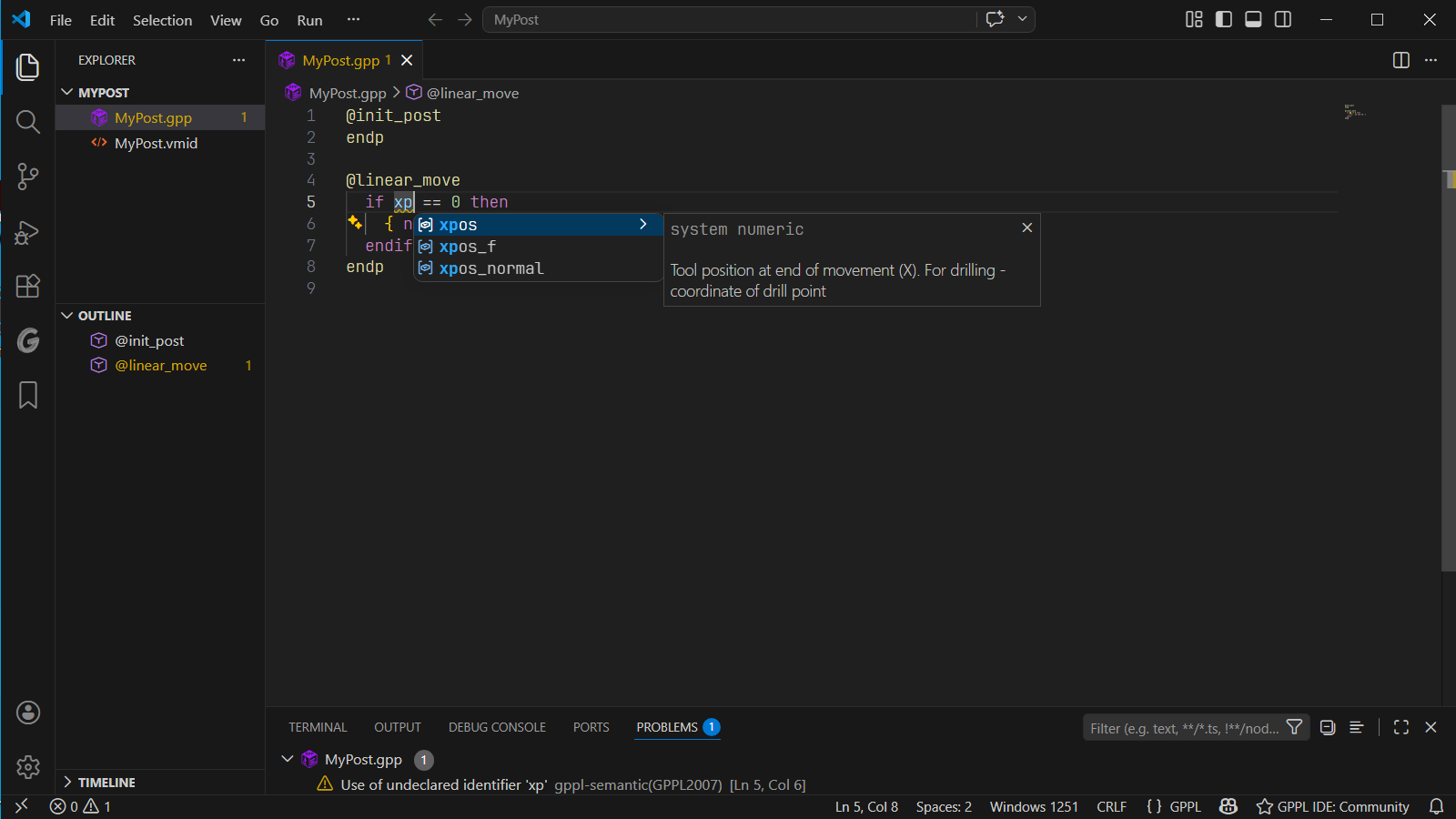
Completion includes type information and reference descriptions. Here, the suggestion explains the X-axis position.
Completion and hover →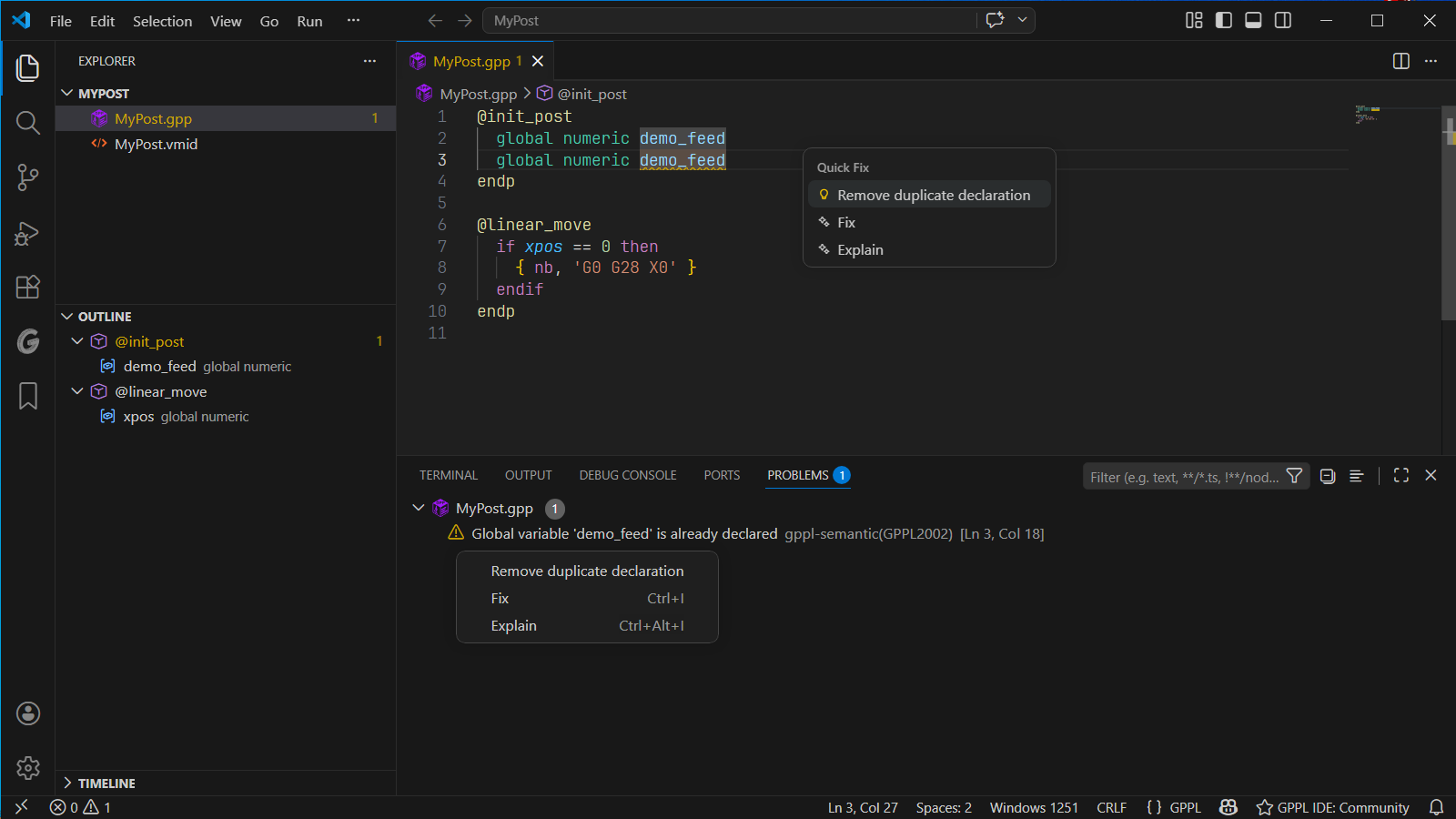
A repeated declaration is flagged in the editor. Choose “Remove duplicate declaration” to resolve this issue.
Diagnostics and Quick Fixes →Community 1.7.0, dated October 12, 2026, expands VMID support and the system catalog, and checks writes to pi. These changes also apply to the closed beta of PRO 2.0.0-beta.14.
Parameters from VMID MCO options and saved MCO cycles now appear in completion, hover and diagnostics.
Explore VMID support →The catalog now recognizes 1,633 variables, including pi, drill types, lead units and ejector.
See the release highlights →Assigning a value to pi or writing to it through input now produces error GPPL2017. Reading it in calculations remains valid.
Understand GPPL2017 →A complete set of editing essentials for individual GPPL files. Free to install and ready to use.
Get Community ↗PRO 2.0.0-beta.14 is in closed beta and has not been publicly released. Project navigation and cross-file analysis are being tested with invited participants.
About the closed beta →Install the extension. Open a .gpp file. Get to know your tools.