Editor demonstrations
These are the demonstrations published in the project’s README, hosted here for convenient access. They show earlier editor builds; themes and popup layout may differ from your installed version. For current behavior and the features available in Community 1.7.0, use Editor features and What’s new.
Animated workflows
Section titled “Animated workflows”Open an animation to play it. Animations are not started automatically on this page.
| Workflow | What to look for | Animation |
|---|---|---|
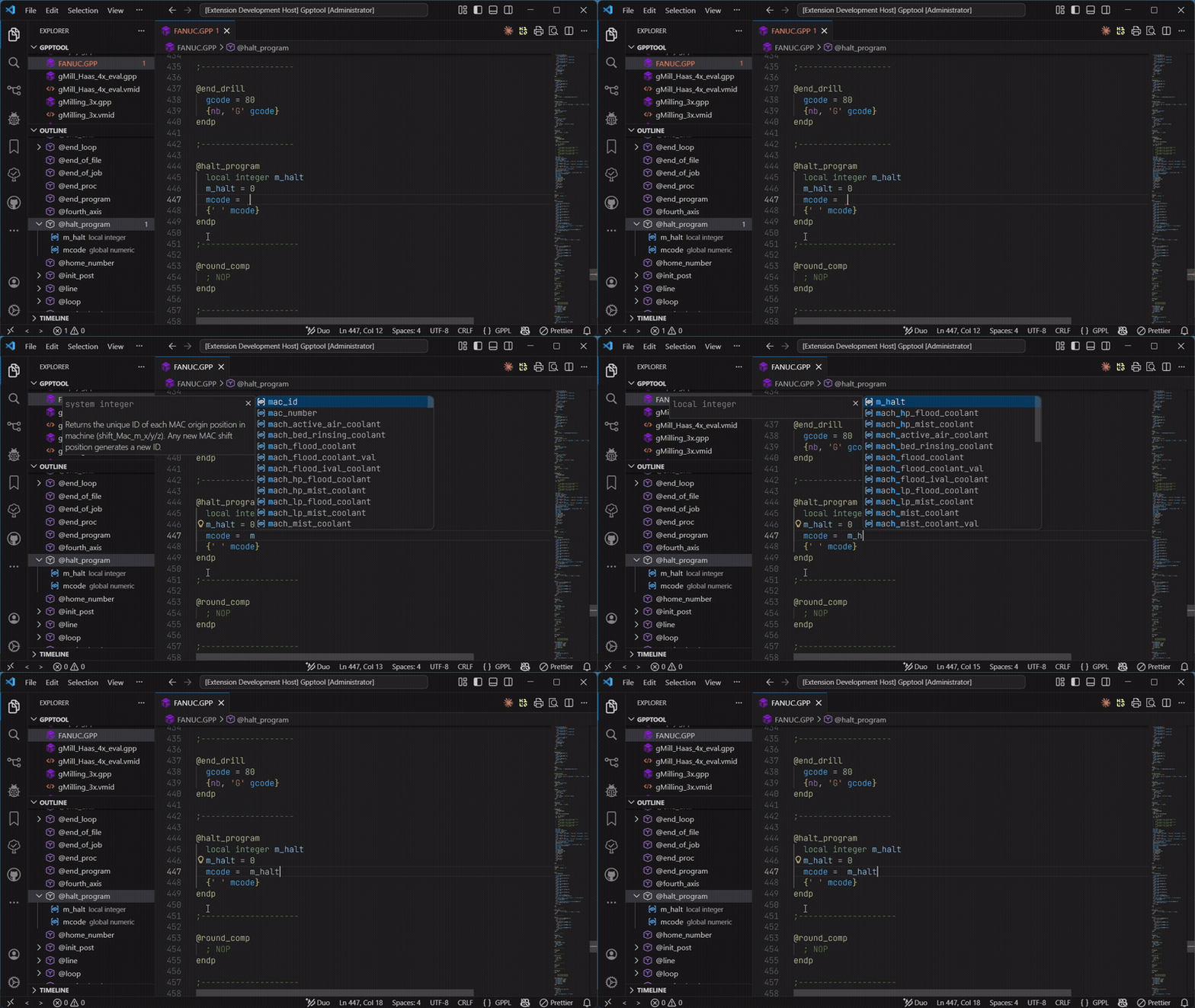
| Completion | Request suggestions and inspect the available symbol information. | Play completion (GIF) |
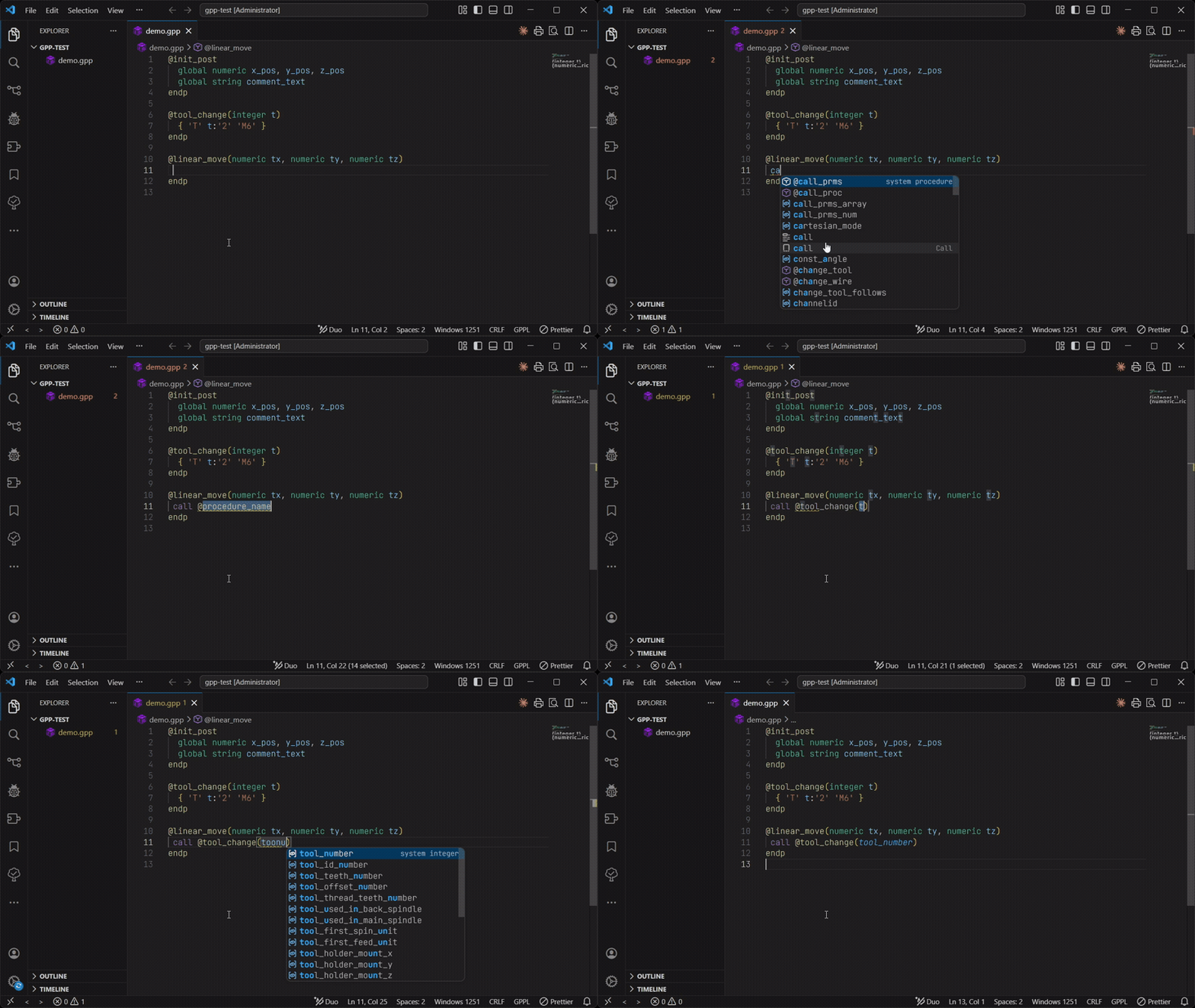
| Smart call completion | Type call , choose a procedure, and fill its argument fields. |
Play smart call completion (GIF) |
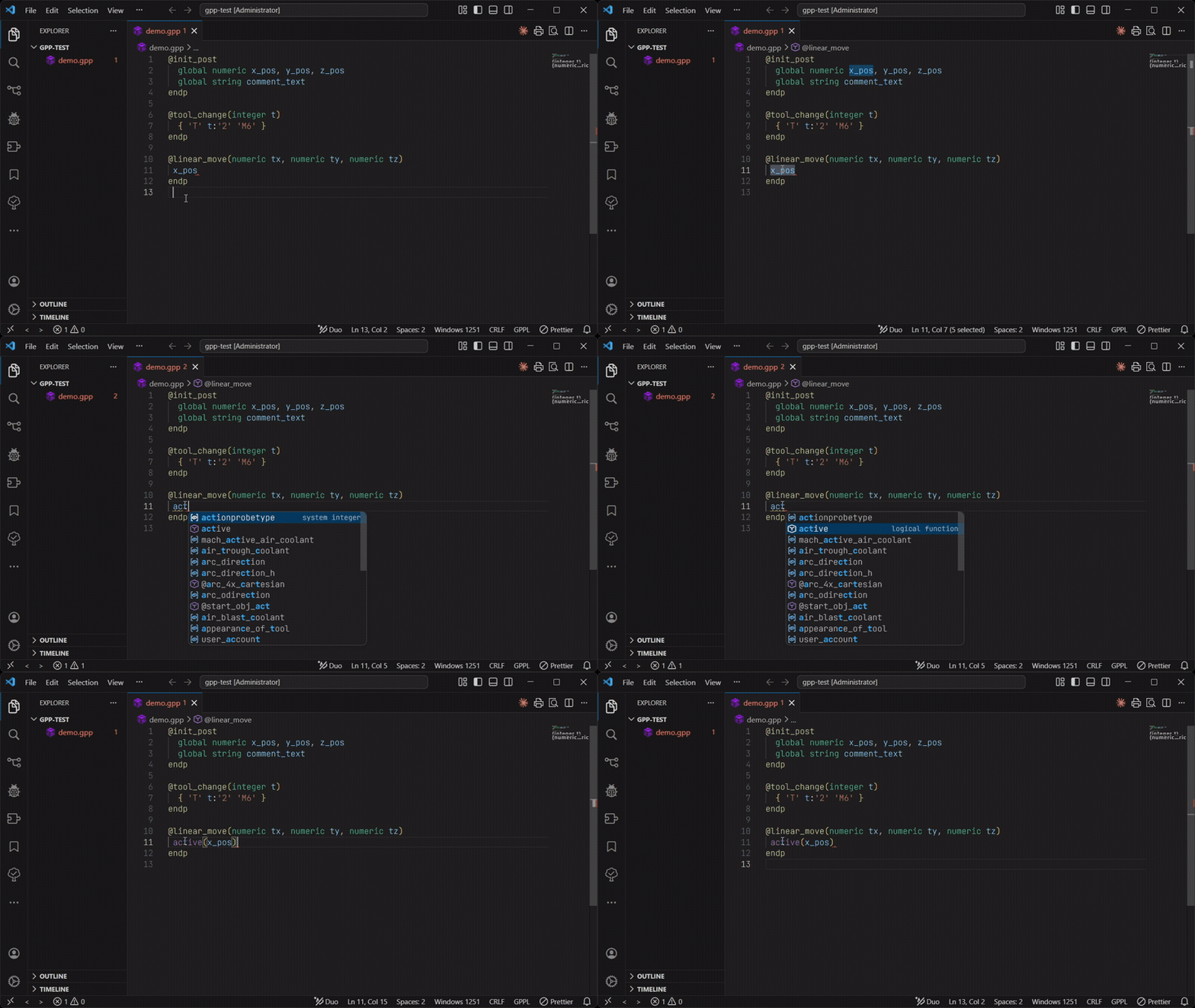
| Wrap a selection | Select a variable and insert it as the first argument of a built-in function. | Play wrapping a selection (GIF) |
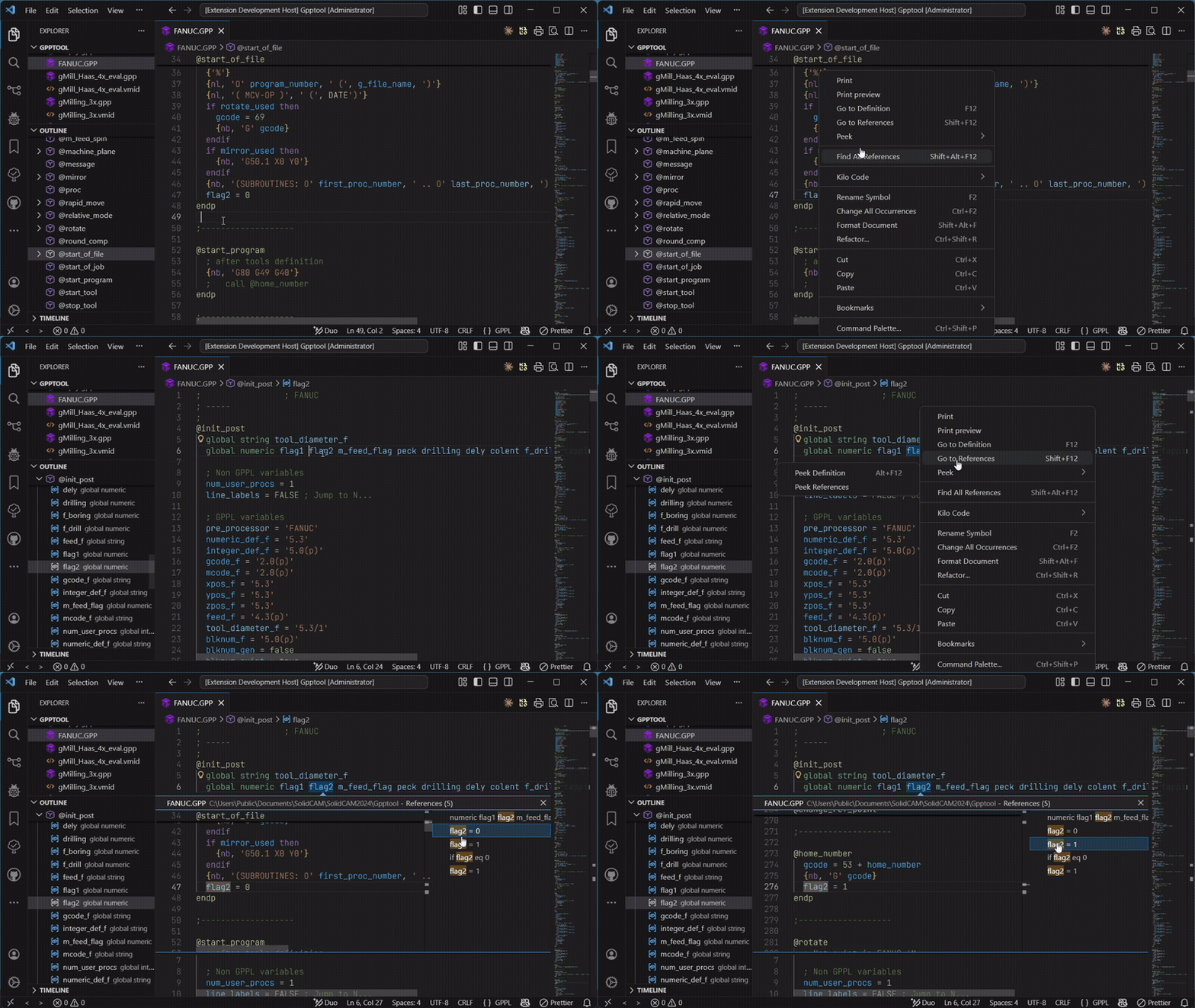
| Go to Definition | Follow a symbol to its declaration. | Play navigation (GIF) |
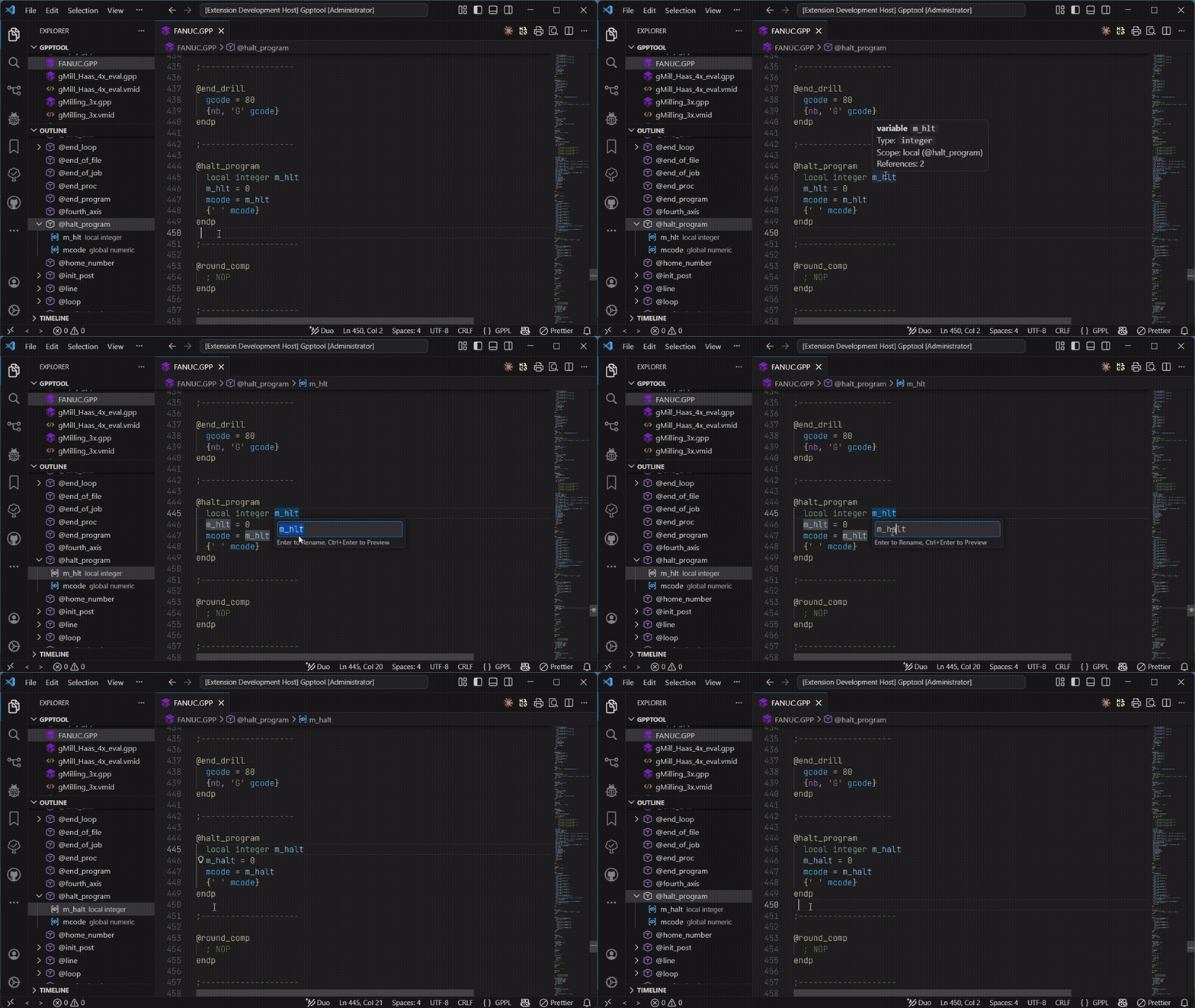
| Rename | Rename a symbol and update its usages in the file. | Play rename (GIF) |
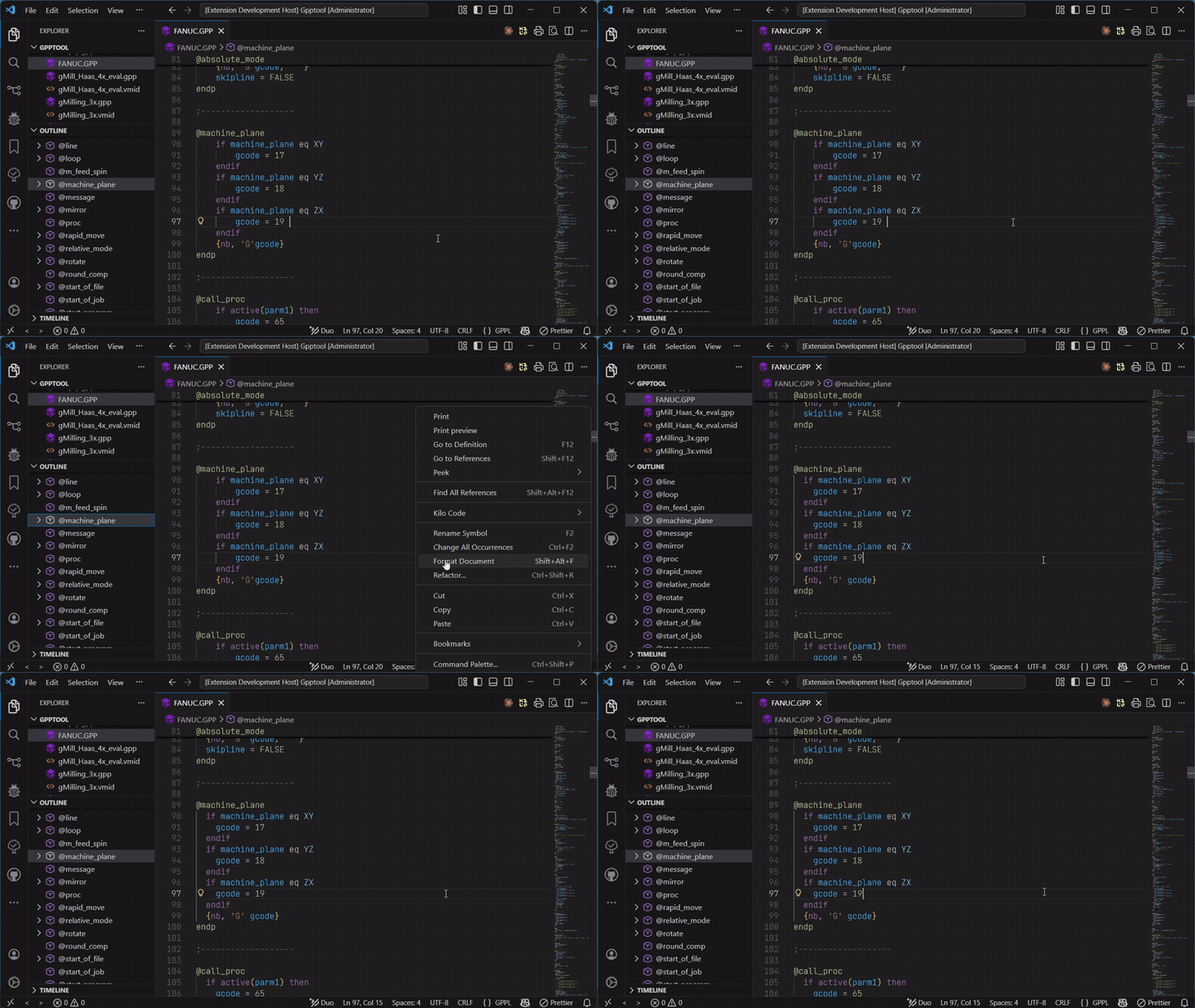
| Formatting | Apply indentation and spacing with Shift+Alt+F. | Play formatting (GIF) |
Reference screenshots
Section titled “Reference screenshots”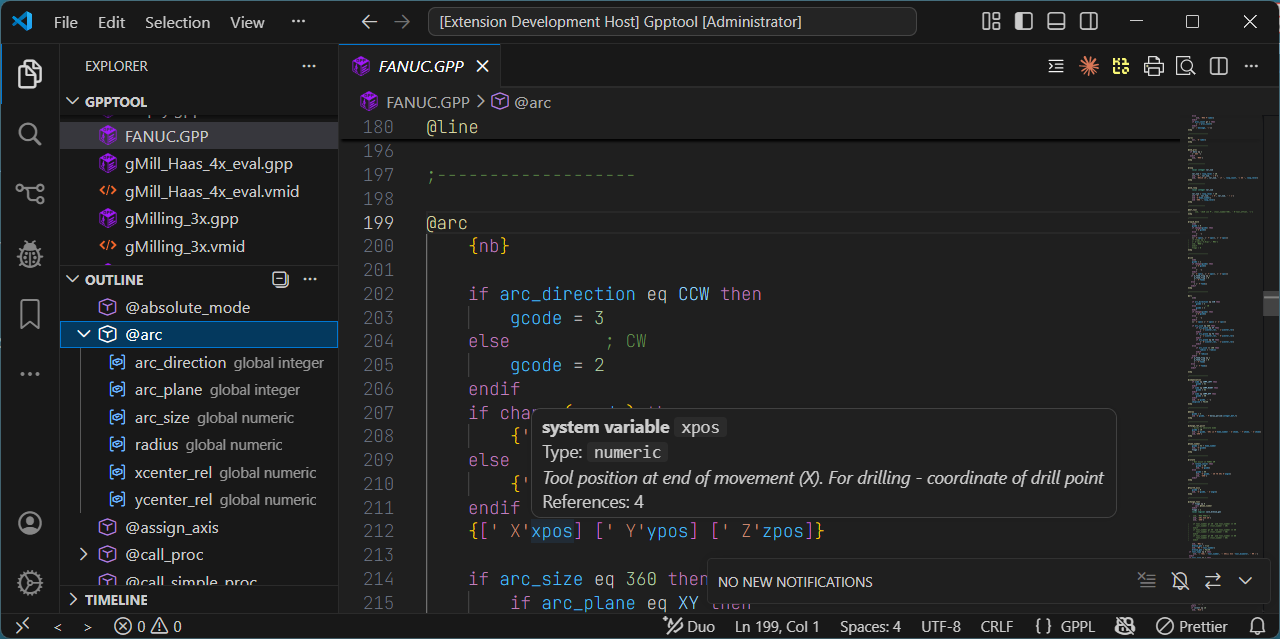
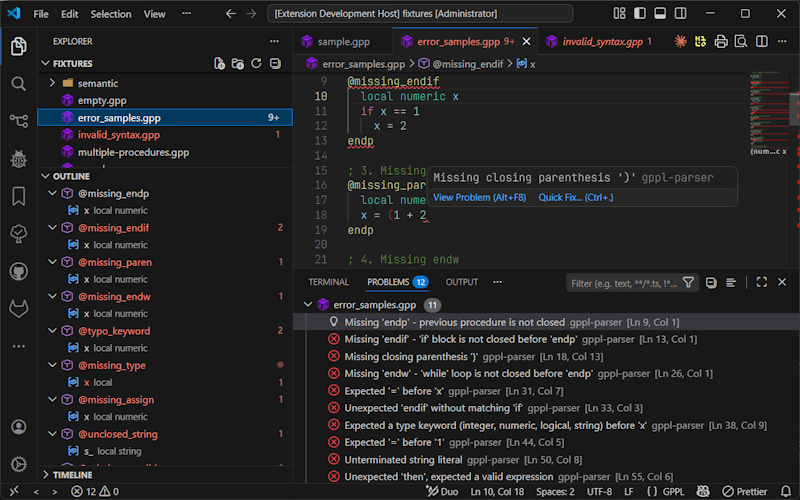
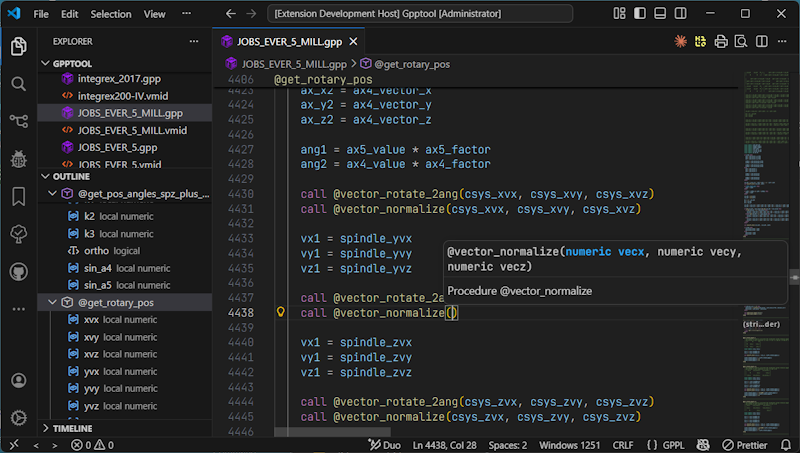
For additional captures embedded beside the instructions, see completion and hover, diagnostics and Quick Fixes, and VMID parameters.